 Business PCs
 Custom Gaming PCs
 POS Systems
 Pre-build PCs
 Workstations and Servers
 Gaming Chair Parts
 Gaming Controllers
 Gaming Headsets
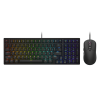 Gaming Keyboards
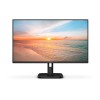 Gaming Monitors
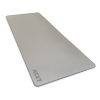 Gaming Mouse Pads
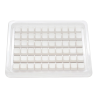 Keyboard Accessories
 Carrying Case
 Cooling stands
 Docking Station
 Laptop Chargers
 Laptop bags, cases, backpacks
 Laptops Stands
 Laptops and Notebooks
 CPU Coolers
 Case Fans
 Computer Cases
 Graphics Cards
 Hard Disks and SSDs
 Memory (RAM)
 Motherboard
 Power Supply (PSU)
 Processors (CPU)
 Monitor mounts
 Office Monitors
 Accessories
 Cables & Adapters
 Cameras
 Docking Station / ENCLOSURE
 Flash Drives
 Keyboards and Mice
 USB hubs
 Card Readers
 External Hard Disks
 HDD ENCLOSURE
 M2 NVME
 SATA 3.5"
 SSD
 Powerlines
 Routers - AP
 Switches
 Accessories
 Phone Chargers
 Power Banks
 Smartphone and tablet bags
 Smartphones
 Smartwatches
 Tablets
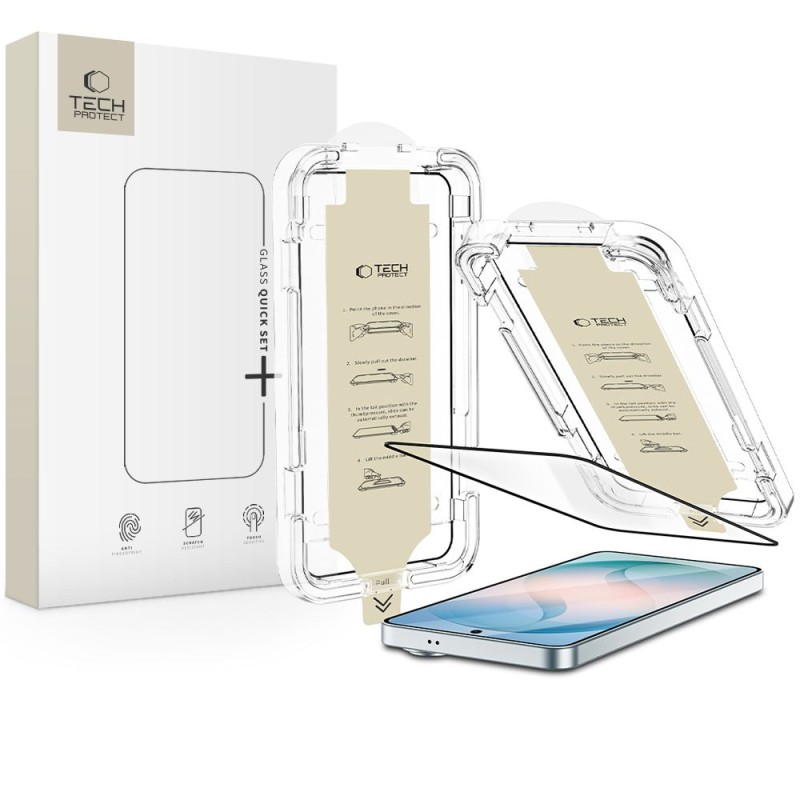
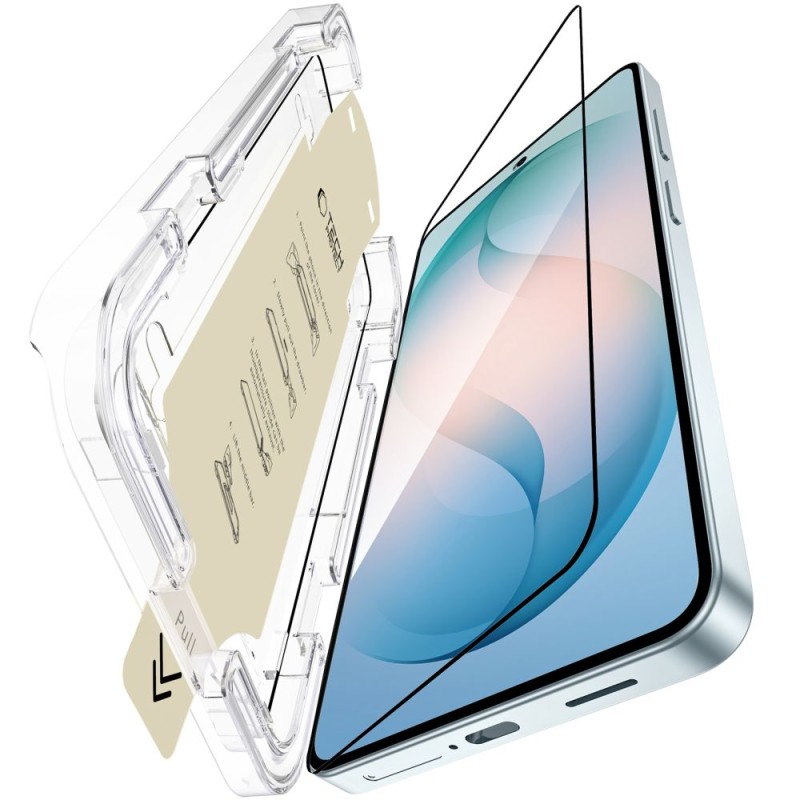
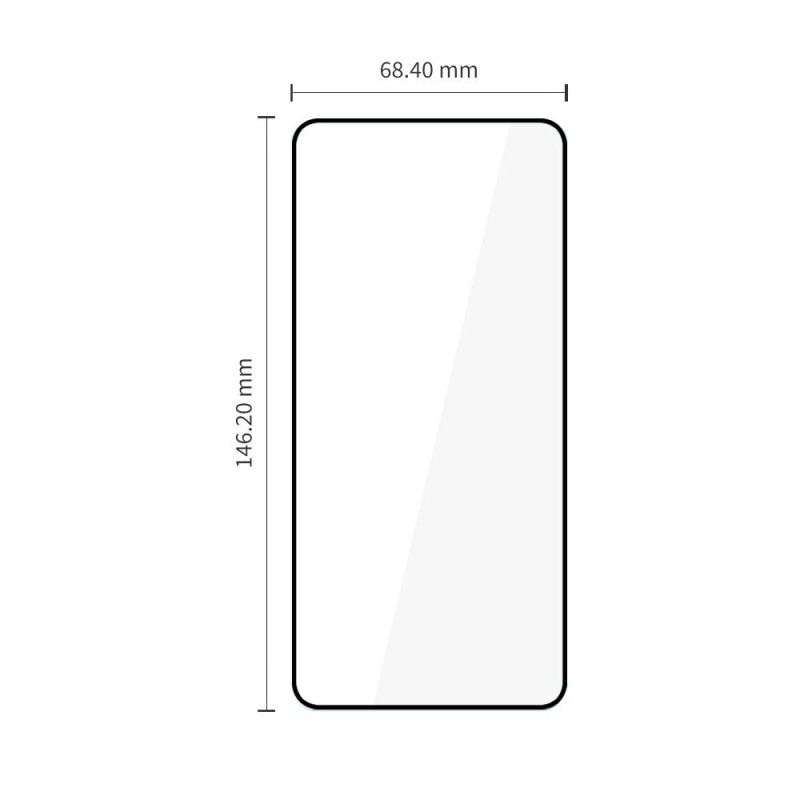
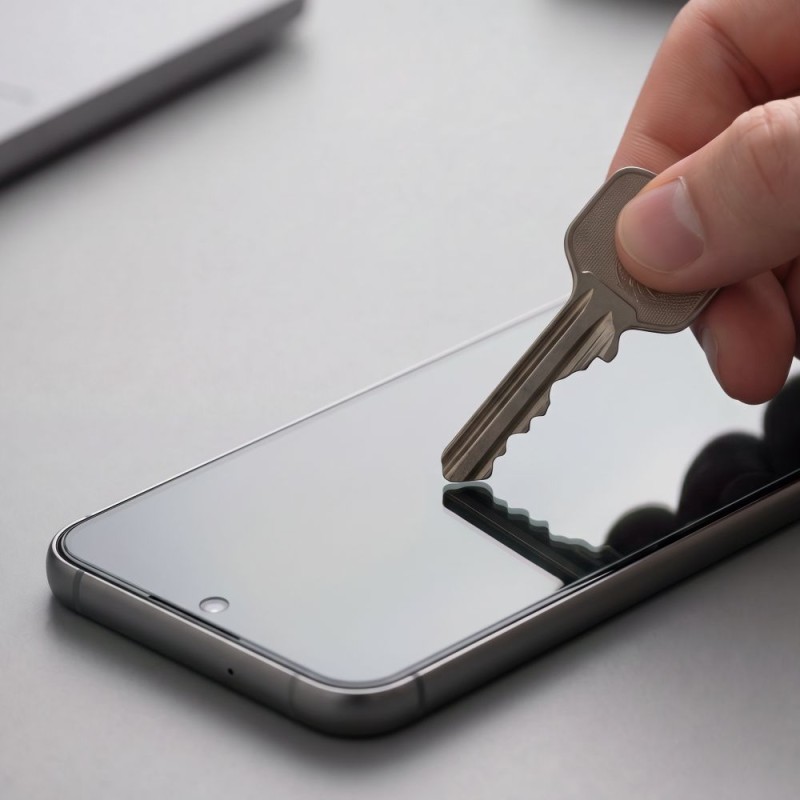


Tech-Protect Quick Set AR+ Anti-Reflective Glass for Samsung Galaxy S26 - Black
- Price includes VAT
Description
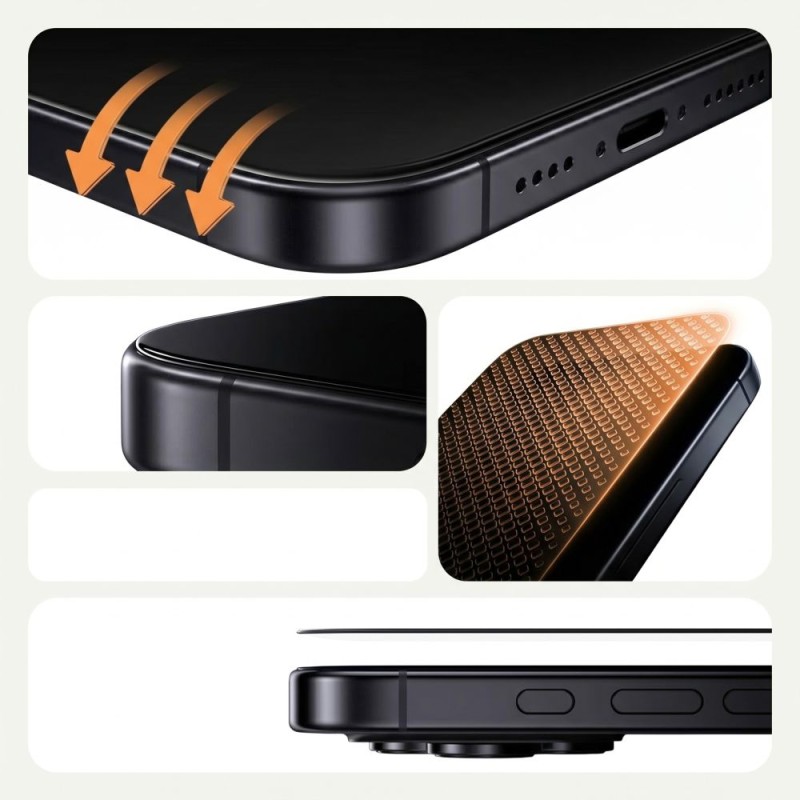
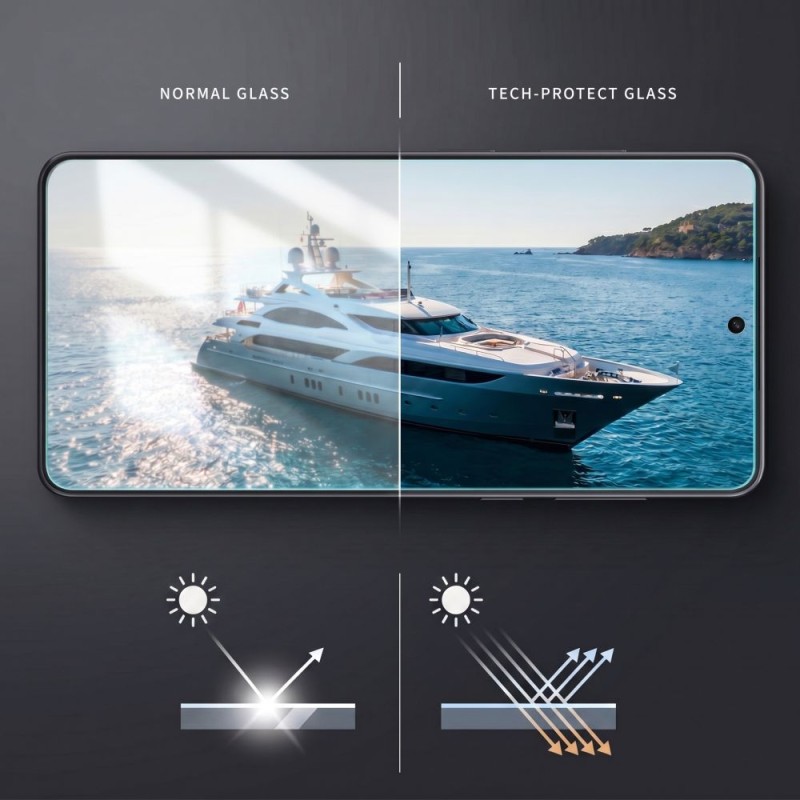
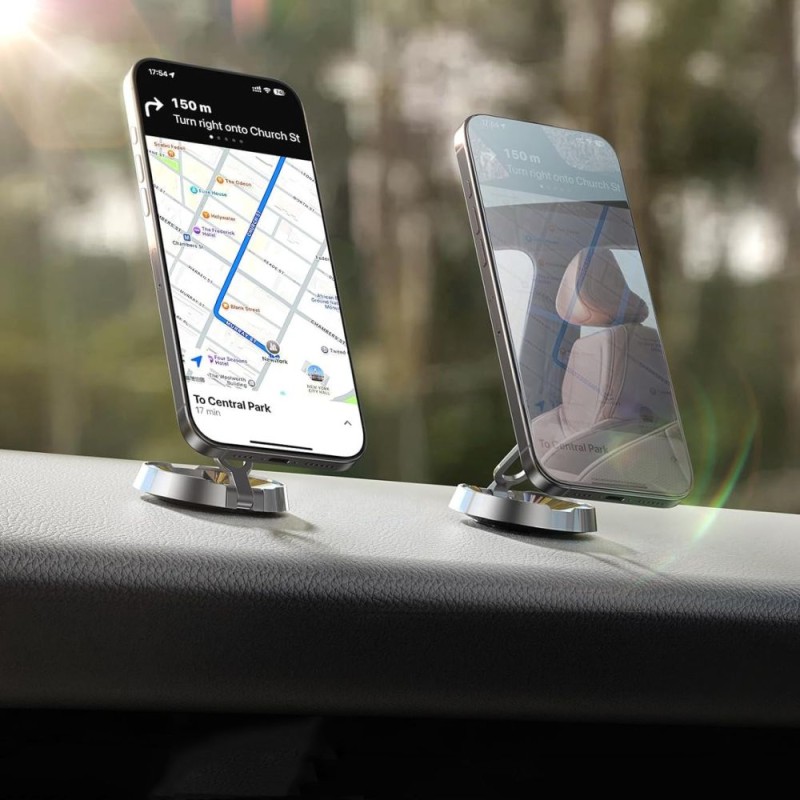
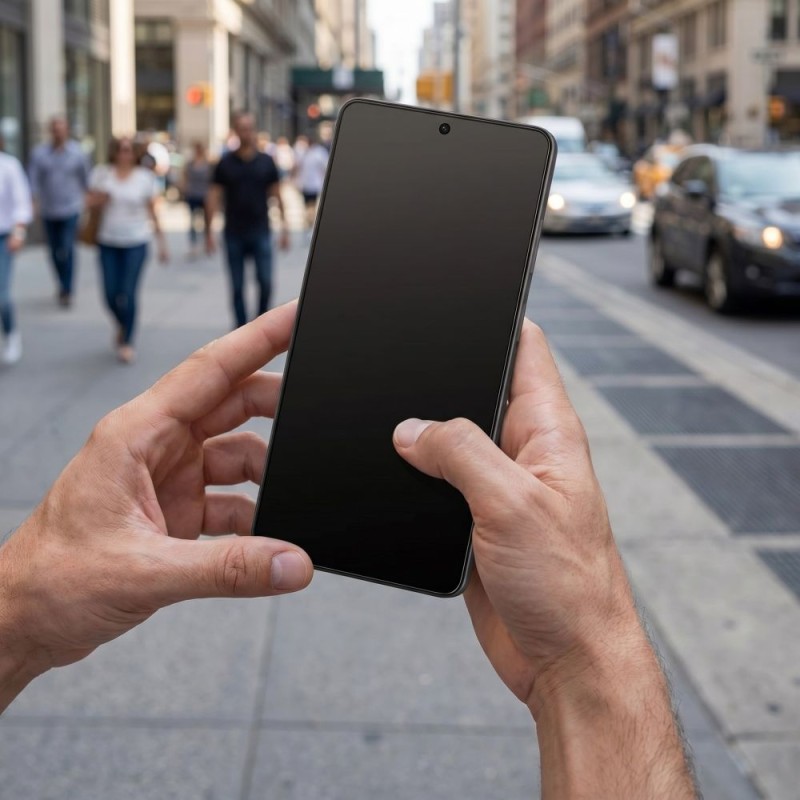
Tech-Protect Quick Set AR+ is a 9H anti-reflective glass that combines scratch and impact protection with an AR coating that reduces reflections. Its matte finish ensures the screen remains readable even in bright outdoor lighting—on a sunny day, under a desk lamp, or in other challenging lighting conditions.
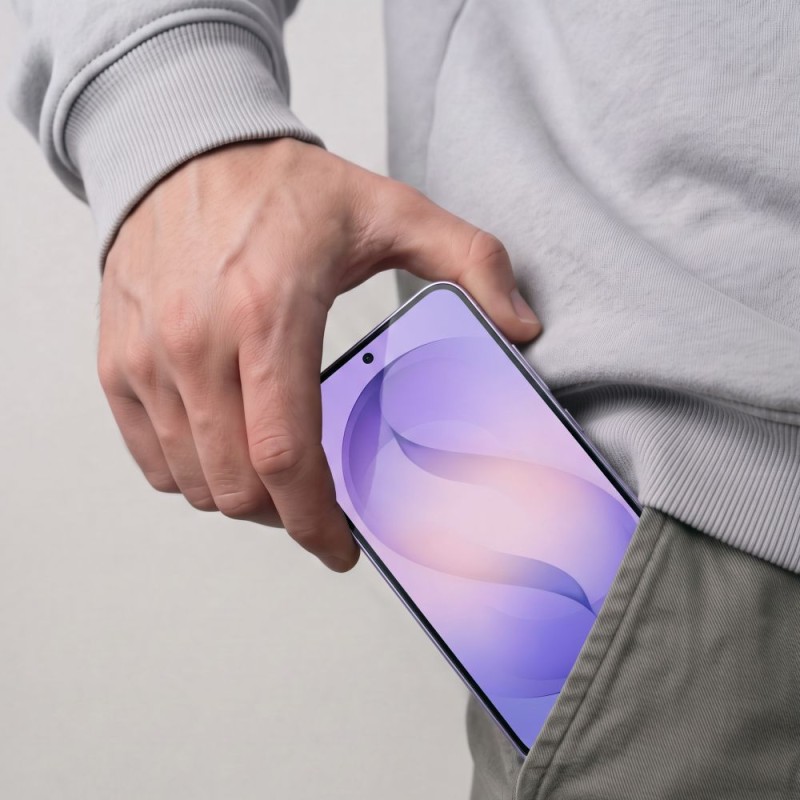
The anti-reflective coating reduces eye strain during prolonged smartphone use by effectively dissipating reflections from lamps and windows. The matte surface also reduces the visibility of fingerprints compared to standard tempered glass. The glass does not affect touch sensitivity or precision, ensuring smooth and comfortable everyday smartphone use.
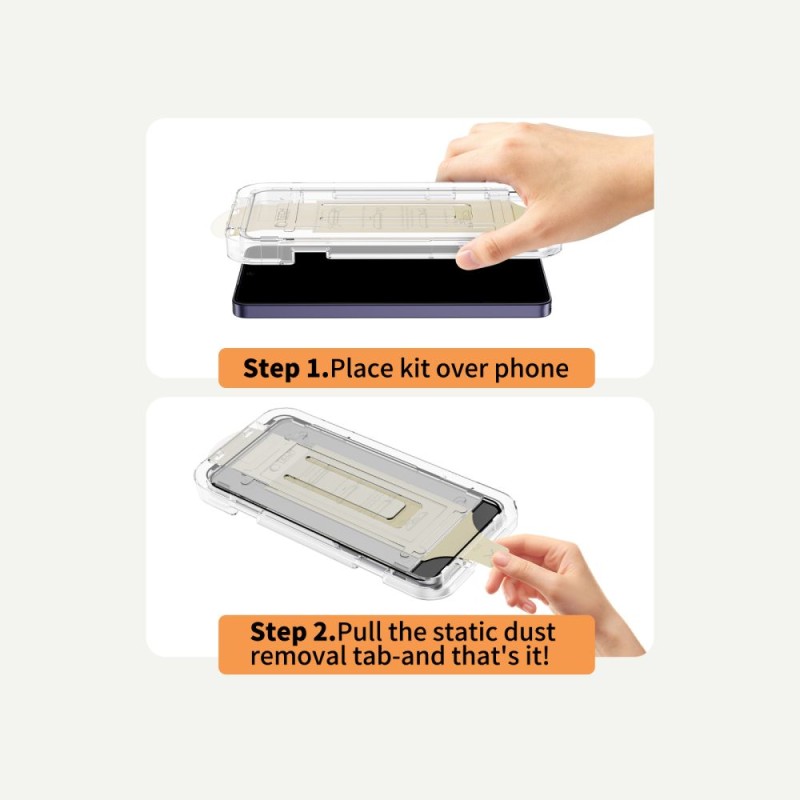
The innovative mounting system with a positioning frame makes glass application quick, precise, and hassle-free – without the risk of air bubbles or exposing the screen to dust. Simply apply the frame, pull the release film, and press – the glass adheres perfectly to the screen the first time.
* Due to the varying milling patterns of display edges, a slight air halo may form around the screen after installing a screen protector. This is natural and depends on the construction of the screen itself.
Product features
- 100% Original
- Packed in original packaging
- Hardness 9H
- AR anti-reflective coating
- Matte finish
- Limited visibility of fingerprints
- Innovative assembly system
- Does not affect functionality or touch sensitivity
Specification
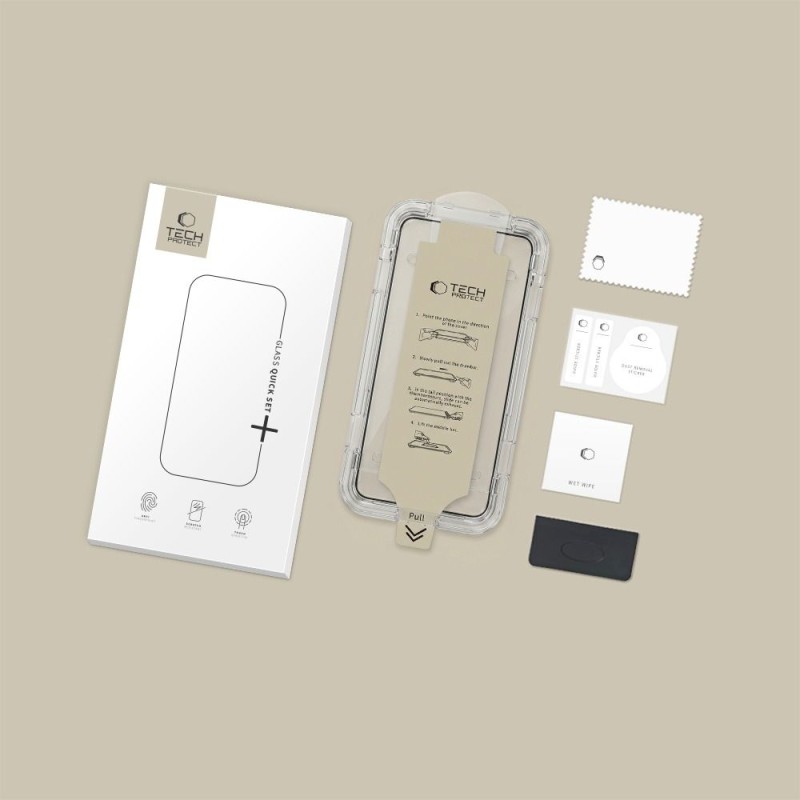
The set includes
1 × Tech-Protect Quick Set AR+ Anti-Reflective Glass (AR)
1 × Installation kit
1 × Positioning frame
Assembly instructions
1. Start installation in the bathroom right after taking a bath – the water vapor will absorb dust from the atmosphere and will not interfere with the installation.
2. Thoroughly clean and degrease the screen surface, then use a dry cloth to polish it to a shine. Make sure there are no dust particles left.
3. Place the frame with the glass already installed on the phone – it will ensure a precise fit and make application easier.
4. Pull the starter foil to start the process of automatically sticking the glass to the screen.
5. Press the glass in the designated areas so that the adhesive layer bonds well with the surface.
6. Remove the frame and remove any air bubbles using the included squeegee.
There are no reviews for this product, be the first to leave your review.
No questions about this product, be the first and ask your question.
 1920 x 1080 pixels Full HD LCD Black")