 Business PCs
 Custom Gaming PCs
 POS Systems
 Pre-build PCs
 Workstations and Servers
 Gaming Chair Parts
 Gaming Controllers
 Gaming Headsets
 Gaming Keyboards
 Gaming Monitors
 Gaming Mouse Pads
 Keyboard Accessories
 Carrying Case
 Cooling stands
 Docking Station
 Laptop Chargers
 Laptop bags, cases, backpacks
 Laptops Stands
 Laptops and Notebooks
 CPU Coolers
 Case Fans
 Computer Cases
 Graphics Cards
 Hard Disks and SSDs
 Memory (RAM)
 Motherboard
 Power Supply (PSU)
 Processors (CPU)
 Monitor mounts
 Office Monitors
 Accessories
 Cables & Adapters
 Cameras
 Docking Station / ENCLOSURE
 Flash Drives
 Keyboards and Mice
 USB hubs
 Card Readers
 External Hard Disks
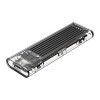 HDD ENCLOSURE
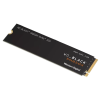 M2 NVME
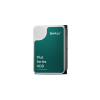 SATA 3.5"
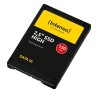 SSD
 Powerlines
 Routers - AP
 Switches
 Accessories
 Phone Chargers
 Power Banks
 Smartphone and tablet bags
 Smartphones
 Smartwatches
 Tablets
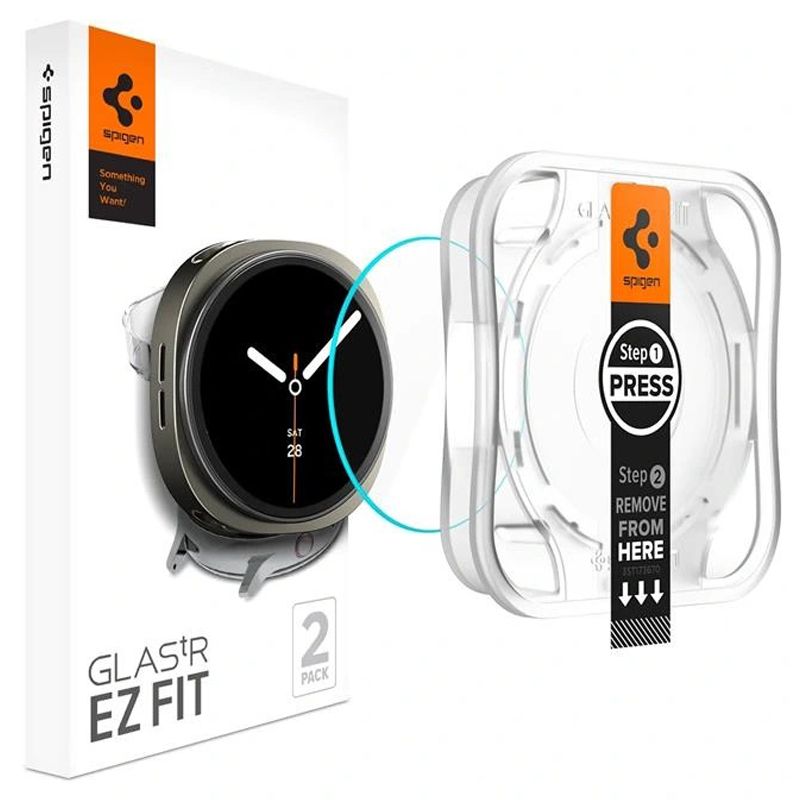
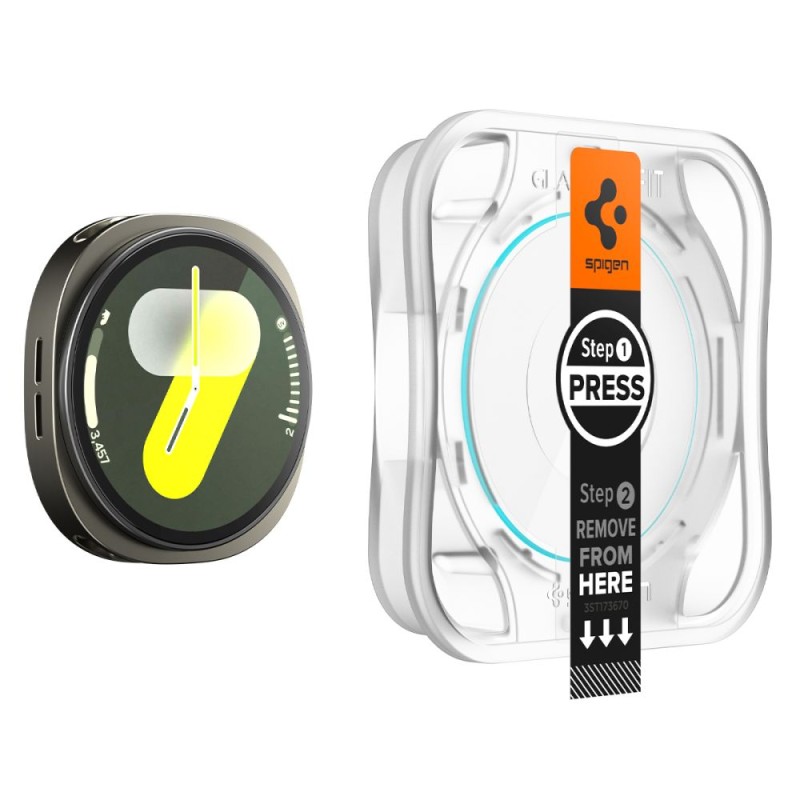
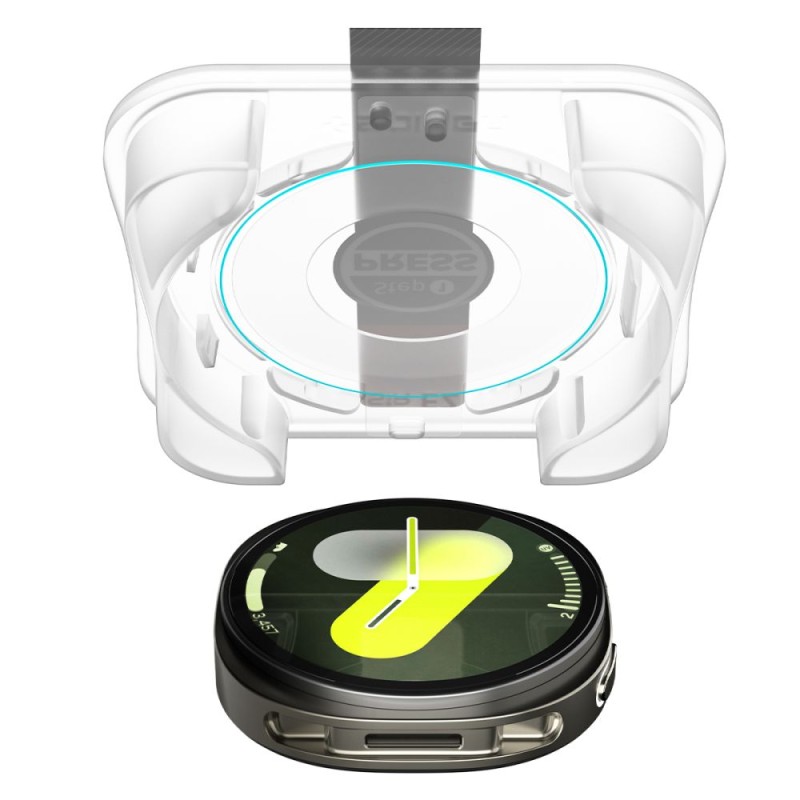


Spigen Glas.TR ”Ez-Fit” Tempered Glass for Samsung Galaxy Watch 8 40mm - Transparent
- Price includes VAT
Description
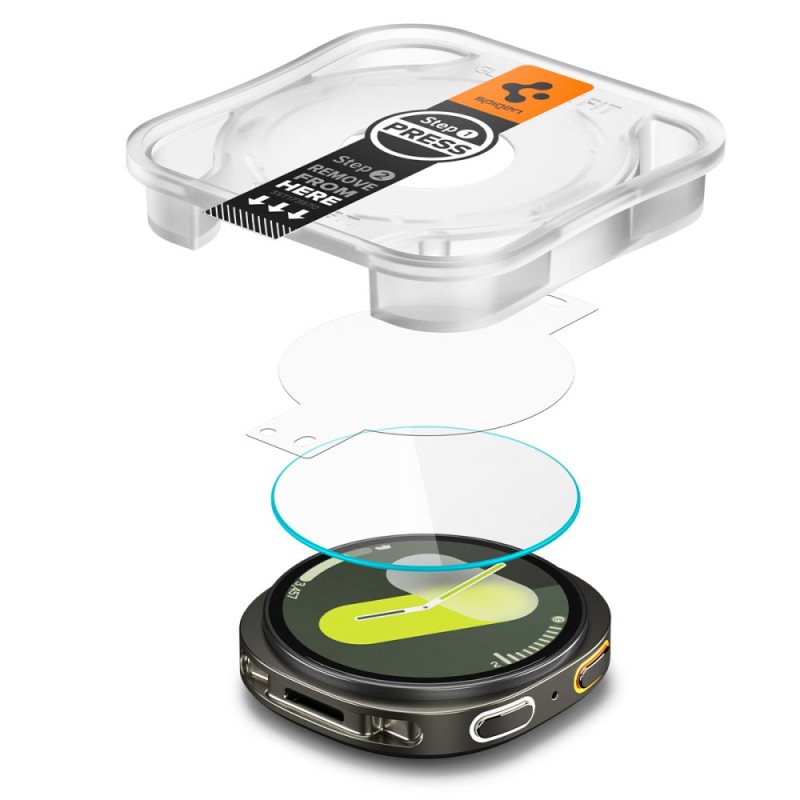
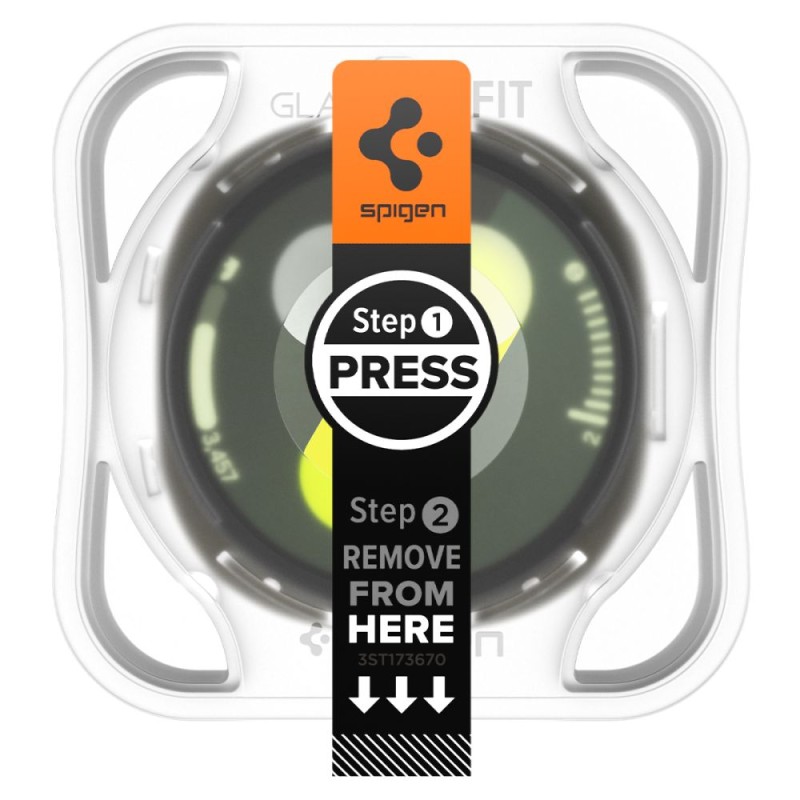
Spigen Glas.TR EZ Fit AC is a tempered glass with advanced AluminaCore technology that combines exceptional durability with easy installation. The dedicated EZ Fit mounting frame ensures perfect positioning of the glass on the screen every time.
AluminaCore technology utilizes an advanced ion-exchange process, providing 9H+ hardness and greater scratch resistance than standard tempered glass. The glass is crystal clear, completely light-permeable, and offers zero touch lag, allowing the screen to retain its natural responsiveness.
An oleophobic coating effectively prevents fingerprints from accumulating on the glass surface. The screen remains clean even with heavy use, and touch is smooth and responsive. 2.5D milled edges ensure a comfortable glide when sliding your finger across the screen.
* The glass/foil is cut exclusively to fit the flat, curved portion of the display, in accordance with the die cut provided by the manufacturer of the specific phone model. Only this cut ensures full compatibility with our protective accessories.
**Due to the various milling patterns on display edges, a slight air halo may appear around the screen after installing a protective film/glass. This is natural and depends on the screen itself.
Product features
- 100% Original
- Packed in original packaging
- Hardness 9H
- AluminaCore technology
- Oleophobic coating
- 2.5D milled edges
- Crystal clear
- Zero touch latency
Specification
The set includes
2 × Spigen Glas.TR EZ Fit AC Tempered Glass
2 × EZ Fit Mounting Frame
2 × Installation kit
Assembly instructions
- Start the installation in the bathroom right after taking a bath - the water vapor will absorb all the dust from the atmosphere and it will not interfere with the installation.
- Thoroughly clean and degrease the screen surface, then use a dry cloth to polish it to a shine.
- Place the frame with the unsealed glass on the front of the phone and press it in the designated place.
- Remove the sticker and then the frame. Remove any air bubbles, if necessary, by pressing firmly in circular motions for several dozen seconds. Ensure the adhesive bonds as strongly as possible to the screen.
There are no reviews for this product, be the first to leave your review.
No questions about this product, be the first and ask your question.