 Business PCs
 Custom Gaming PCs
 POS Systems
 Pre-build PCs
 Workstations and Servers
 Gaming Chair Parts
 Gaming Controllers
 Gaming Headsets
 Gaming Keyboards
 Gaming Monitors
 Gaming Mouse Pads
 Keyboard Accessories
 Carrying Case
 Cooling stands
 Docking Station
 Laptop Chargers
 Laptop bags, cases, backpacks
 Laptops Stands
 Laptops and Notebooks
 CPU Coolers
 Case Fans
 Computer Cases
 Graphics Cards
 Hard Disks and SSDs
 Memory (RAM)
 Motherboard
 Power Supply (PSU)
 Processors (CPU)
 Monitor mounts
 Office Monitors
 Accessories
 Cables & Adapters
 Cameras
 Docking Station / ENCLOSURE
 Flash Drives
 Keyboards and Mice
 USB hubs
 Card Readers
 External Hard Disks
 HDD ENCLOSURE
 M2 NVME
 SATA 3.5"
 SSD
 Powerlines
 Routers - AP
 Switches
 Accessories
 Phone Chargers
 Power Banks
 Smartphone and tablet bags
 Smartphones
 Smartwatches
 Tablets
All about product
Description
Reviews
0
Questions0
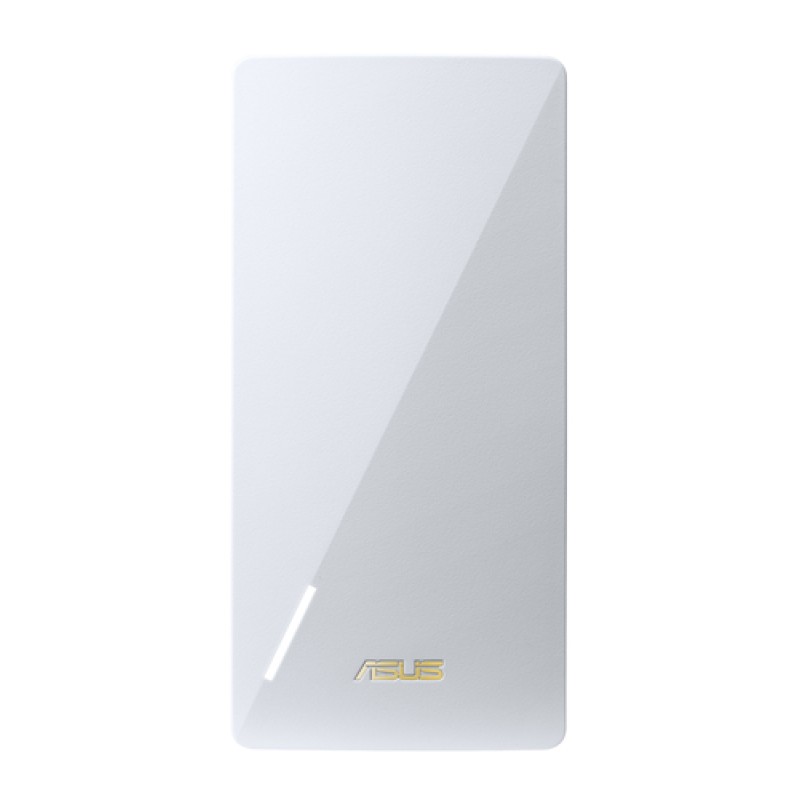
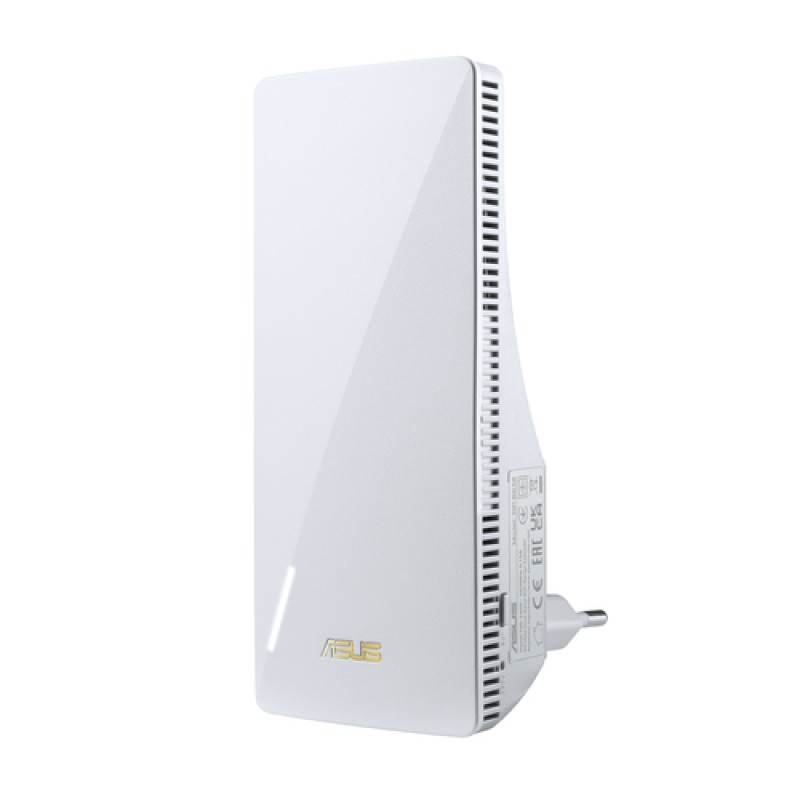
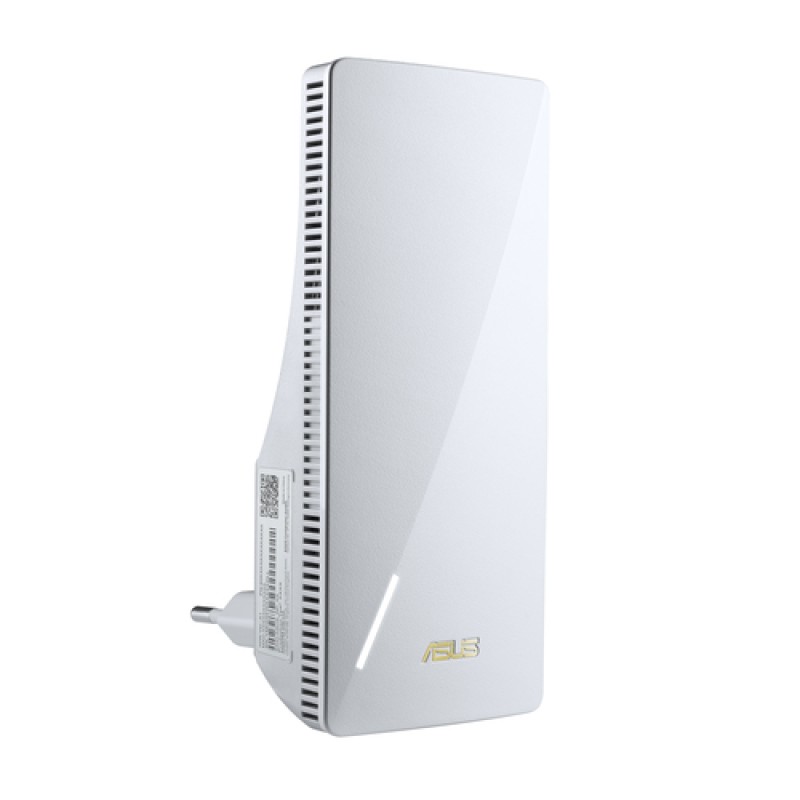
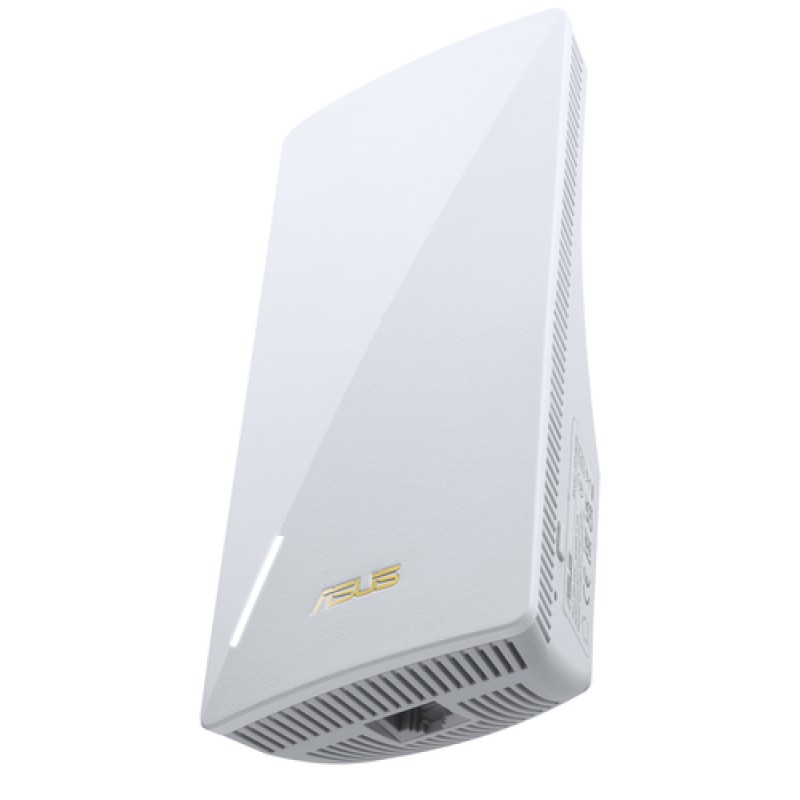
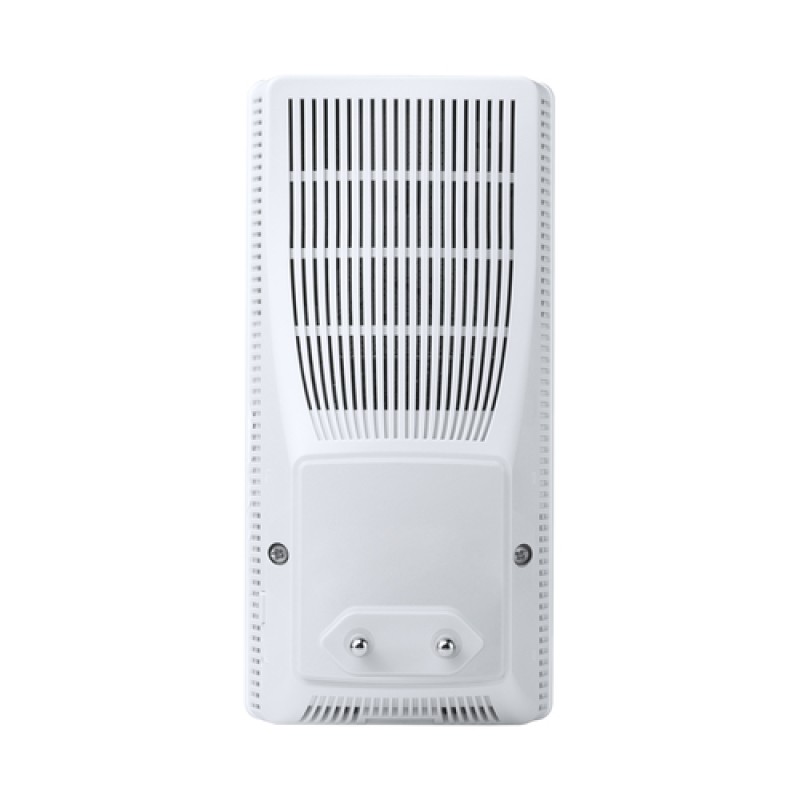
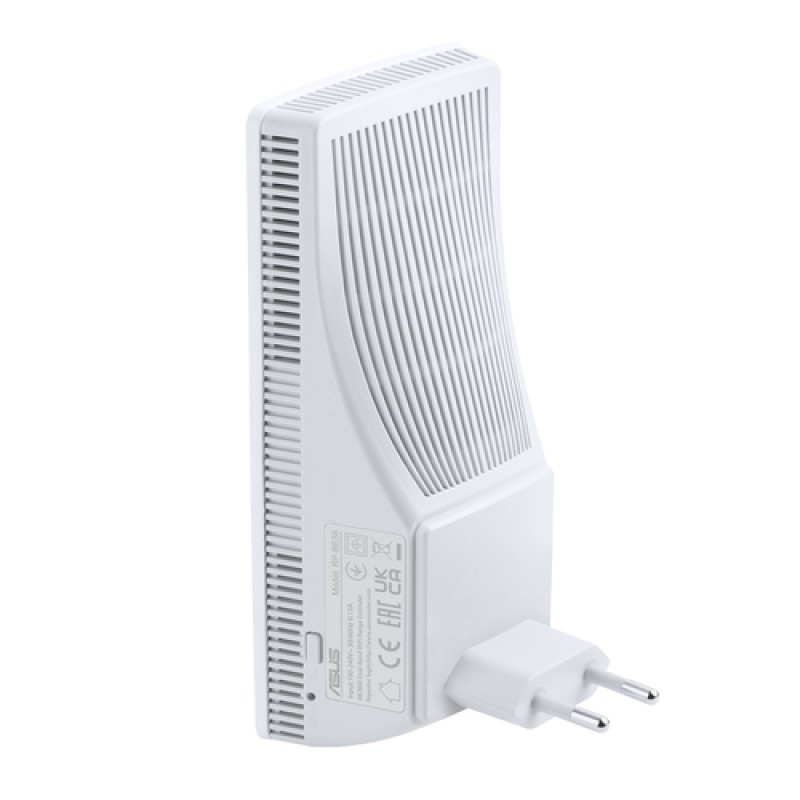
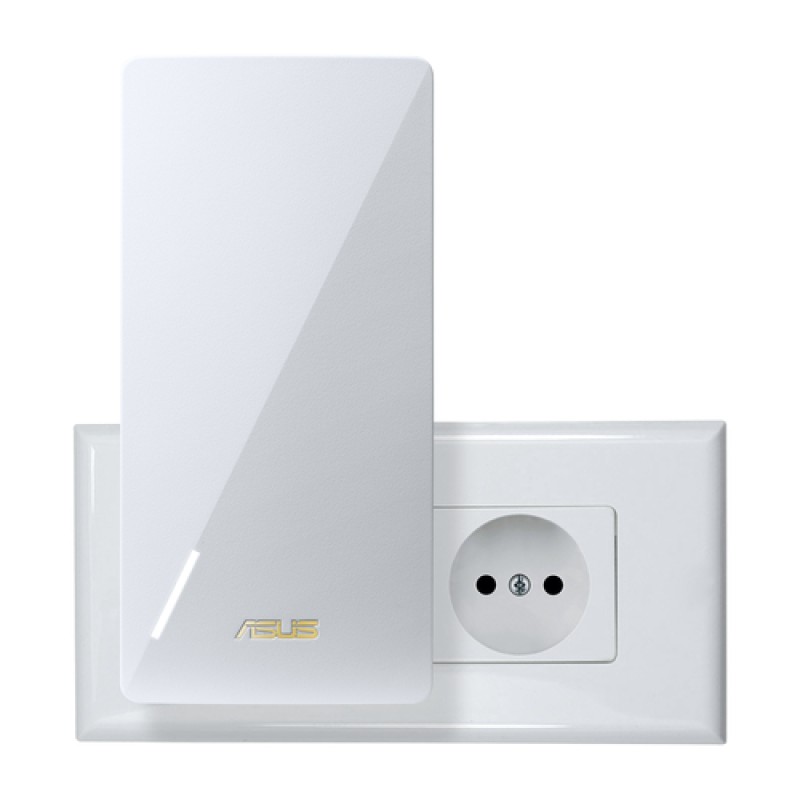


ASUS RP-BE58 Dual-band (2.4 GHz / 5 GHz) Wi-Fi 7 (802.11be) White 1 Internal
Product Code: 4711387709351
SKU: 90IG09J0-MO0C00
EAN: 4711387709351
Customise this PC
Choose the components in the configurator below.
Availability
🚚 External Stock
External Warehouse
Ships in 3–8 business days
Up to 500 available
Availability and dispatch times are shown per item.
103.07€
- Price includes VAT
Description
WiFi Dead Zone Eliminator
BE3600 WiFi 7 Range Extender
Extend WiFi Across Your Home
Enjoy unrivaled wireless performance across your home with a RP-BE58 dual-band range extender, which extends wireless coverage of up to 2,200 sq. ft. Get WiFi where you couldn’t before!
Faster, Smarter Home WiFi 7
The ASUS RP-BE58 boasts cutting-edge WiFi 7 technology. Enjoy next-generation speeds and connected experiences for home entertainment and cloud computing, including 8K streaming, HDR gaming, content creation, and AI network.
Whole-home AiMesh WiFi System
ASUS AiMesh technology lets you easily use the RP-BE58 with another AiMesh-compatible router to expand the coverage of your WiFi network. You can also apply complete features of those connected ASUS routers to the overall mesh network.
Works with Nearly Any WiFi Router
In addition to ASUS AiMesh-compatible devices, the RP-BE58 can work with a wide variety of other WiFi routers, modems, and gateways. Connect the RP-BE58 to your current router to enjoy an expanded WiFi network!
*The WPS button setup and ASUS Extender app setup is not applicable when RP-BE58 is working with AiMesh routers.
Easy and Quick Setup
When Connect to AiMesh Router
Set up your AiMesh wireless network in just three steps with the easy-to-use ASUS Router mobile app*.
*AiMesh-compatible device is required.
When Connect to Non-ASUS/Non-AiMesh Router
In just a few taps, the ASUS Extender mobile app lets you sync and set up the RP-BE58 with your other routers. You can also use the WPS button for one-touch instant connections.*
*The WPS button setup and ASUS Extender app setup are not available when RP-BE58 is in AiMesh mode.
Flexible Backhaul Connection
When RP-BE58 works as an AiMesh node or in Access Point (AP) mode, you can simply connect it to your router with an Ethernet cable. This backhaul reserves the entire 2.4 GHz and 5 GHz band to your wireless devices to create more stable and reliable connections.
There are no reviews for this product, be the first to leave your review.
No questions about this product, be the first and ask your question.