 Business PCs
 Custom Gaming PCs
 POS Systems
 Pre-build PCs
 Workstations and Servers
 Gaming Chair Parts
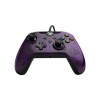 Gaming Controllers
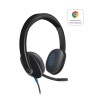 Gaming Headsets
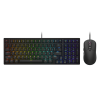 Gaming Keyboards
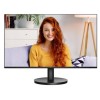 Gaming Monitors
 Gaming Mouse Pads
 Keyboard Accessories
 Carrying Case
 Cooling stands
 Docking Station
 Laptop Chargers
 Laptop bags, cases, backpacks
 Laptops Stands
 Laptops and Notebooks
 CPU Coolers
 Case Fans
 Computer Cases
 Graphics Cards
 Hard Disks and SSDs
 Memory (RAM)
 Motherboard
 Power Supply (PSU)
 Processors (CPU)
 Monitor mounts
 Office Monitors
 Accessories
 Cables & Adapters
 Cameras
 Docking Station / ENCLOSURE
 Flash Drives
 Keyboards and Mice
 USB hubs
 Card Readers
 External Hard Disks
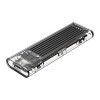 HDD ENCLOSURE
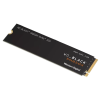 M2 NVME
 SATA 3.5"
 SSD
 Powerlines
 Routers - AP
 Switches
 Accessories
 Phone Chargers
 Power Banks
 Smartphone and tablet bags
 Smartphones
 Smartwatches
 Tablets
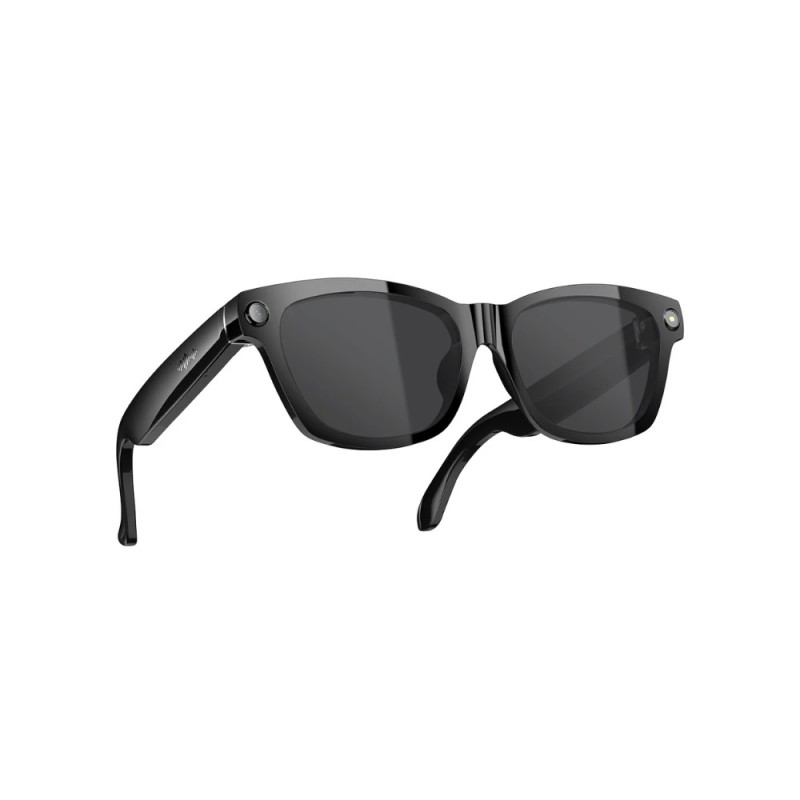
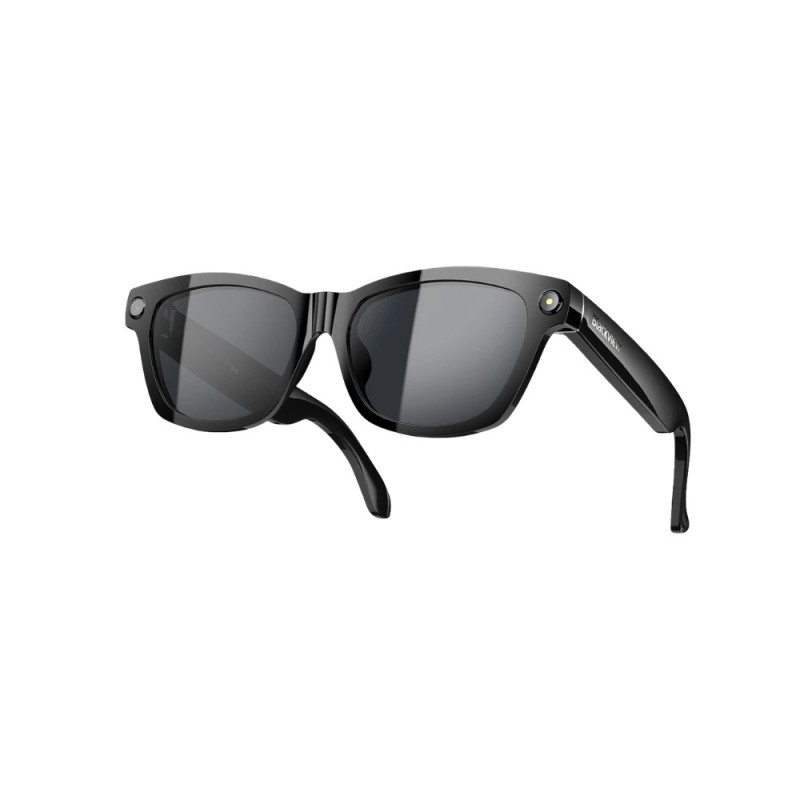


Blackview Smart Glasses BV100 Black(polarized )
The Glasses Blackview BV100 They're much more than just glasses: they're your smart assistant for everyday life. Thanks to their integrated AI technology, They combine a lightweight and modern design with smart features that make your routine easier, whether you're working, getting around town, or enjoying a connected experience without taking your phone out of your pocket.
Designed to offer all-day comfort, The BV100 series stands out for its intuitive operation, advanced connectivity, and practical approach that perfectly complements today's digital lifestyle. Ideal for those seeking innovation, functionality, and a futuristic touch in a single device.
One-touch activation with your fingers: Simply tap with your finger to easily activate the AI voice assistant and unlock features such as listening to music, making calls, recording videos, and taking photos.
800W high-definition camera, 2K HD image capture, supports 1200P video recording and features a built-in anti-shake algorithm. AI automatically optimizes image quality (such as darkening and background blur). Multi-frame noise reduction and HDR synthesis. Automatically captures and syncs with your mobile device.
Physical button steps
On/Off: Briefly press the right button for 2 seconds during startup/power off, then press and hold the right button for 5 seconds.
Bluetooth pairing: Open the mobile app, search for Bluetooth devices to add them.
Take photos: Briefly press the right button once (not in call mode).
* Press and hold the right button for 3 seconds to turn on (Bluetooth reconnection successful)
Image recording: Briefly press the right button twice to start recording (not in call mode). Then, briefly press the right button once to stop recording.
Sound recording: Double-tap the right button briefly to start recording (not in call mode). Then, briefly tap the right button once to stop and save the recording. (ongoing).
Call mode: Briefly press the left/right button once to answer. Then, press and hold the left/right button for two seconds to reject. Finally, briefly press the right button once to hang up (during a call).
Upon waking: Briefly press the left button once to activate or cancel the AI voice assistant (in Bluetooth mode).
Data transmission: WiFi transmission in any state.
Delete pairing records: Press and hold the left button for 5 seconds to erase the information and pairing of the connected device.
Side touch area
Music mode:
Right-click to pause the music (in music playback mode).
Right-click on the music playback (paused music).
Double-click the right mouse button on the next track (in music play/pause mode).
Volume control:
Slide the right slider forward (volume +)
Slide the right slider back (volume – )
There are no reviews for this product, be the first to leave your review.
No questions about this product, be the first and ask your question.