 Business PCs
 Custom Gaming PCs
 POS Systems
 Pre-build PCs
 Workstations and Servers
 Gaming Chair Parts
 Gaming Controllers
 Gaming Headsets
 Gaming Keyboards
 Gaming Monitors
 Gaming Mouse Pads
 Keyboard Accessories
 Carrying Case
 Cooling stands
 Docking Station
 Laptop Chargers
 Laptop bags, cases, backpacks
 Laptops Stands
 Laptops and Notebooks
 CPU Coolers
 Case Fans
 Computer Cases
 Graphics Cards
 Hard Disks and SSDs
 Memory (RAM)
 Motherboard
 Power Supply (PSU)
 Processors (CPU)
 Monitor mounts
 Office Monitors
 Accessories
 Cables & Adapters
 Cameras
 Docking Station / ENCLOSURE
 Flash Drives
 Keyboards and Mice
 USB hubs
 Card Readers
 External Hard Disks
 HDD ENCLOSURE
 M2 NVME
 SATA 3.5"
 SSD
 Powerlines
 Routers - AP
 Switches
 Accessories
 Power Banks
 Smartphone and tablet bags
 Smartphones
 Tablets
All about product
Description
Specification
Reviews
0
Questions0
 3840 x 2160 pixels 4K Ultra HD OLED Black")
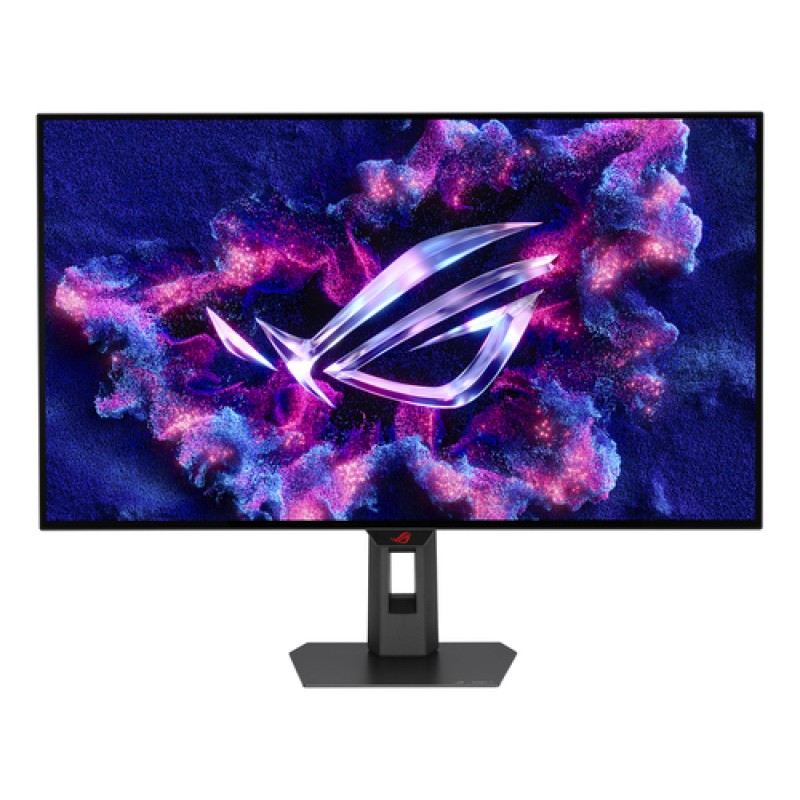 3840 x 2160 pixels 4K Ultra HD OLED Black")
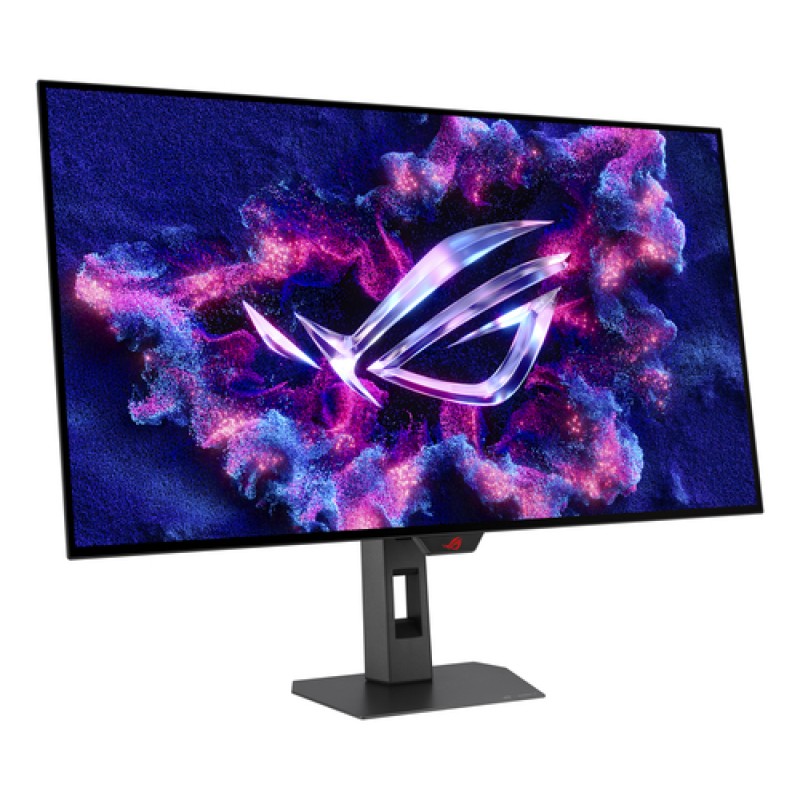 3840 x 2160 pixels 4K Ultra HD OLED Black")
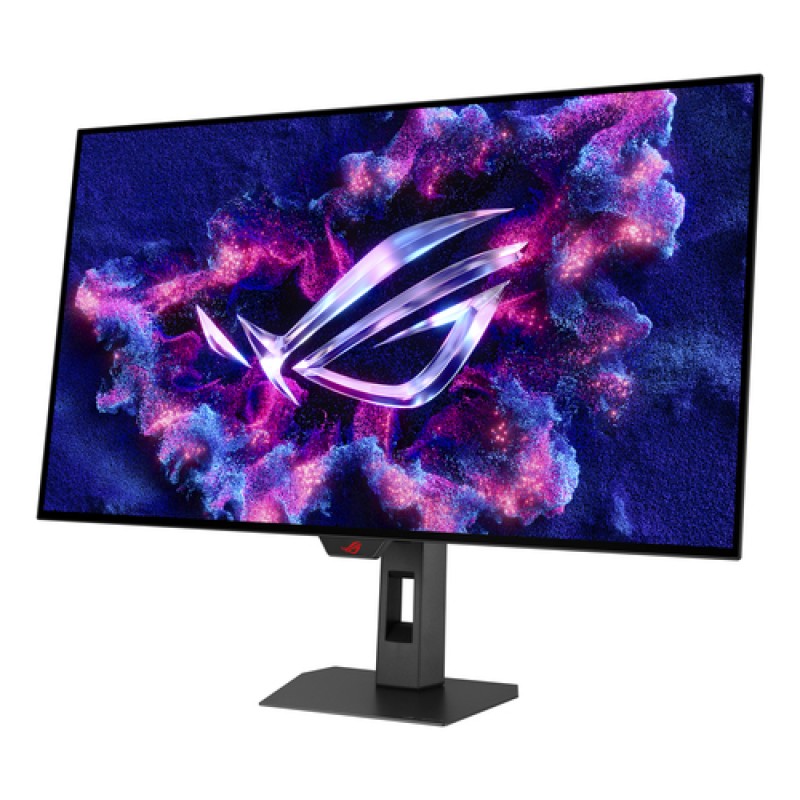 3840 x 2160 pixels 4K Ultra HD OLED Black")
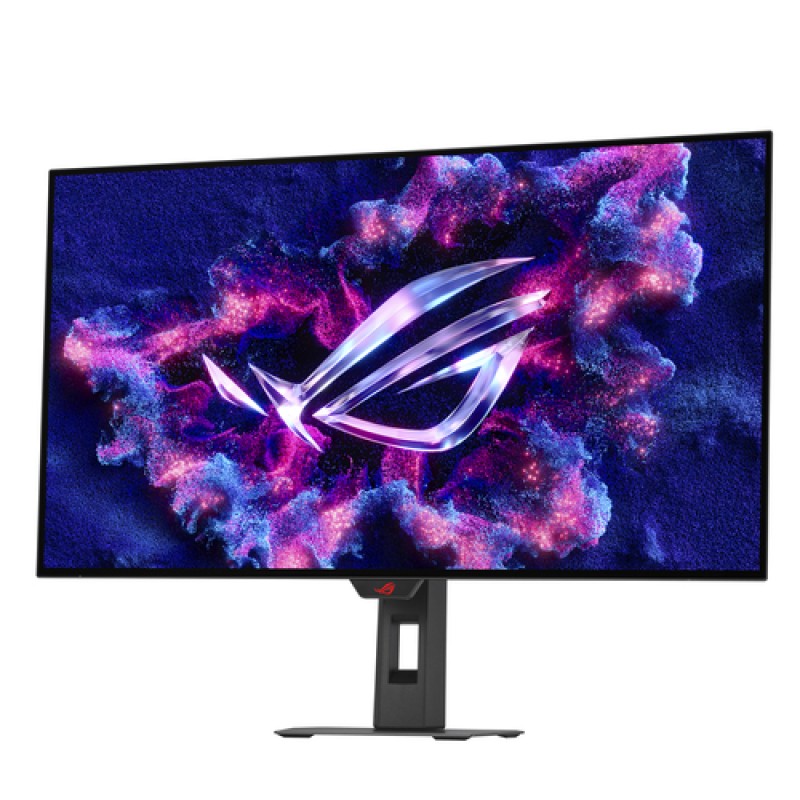 3840 x 2160 pixels 4K Ultra HD OLED Black")
 3840 x 2160 pixels 4K Ultra HD OLED Black")
 3840 x 2160 pixels 4K Ultra HD OLED Black")
 3840 x 2160 pixels 4K Ultra HD OLED Black")
 3840 x 2160 pixels 4K Ultra HD OLED Black")
 3840 x 2160 pixels 4K Ultra HD OLED Black")
 3840 x 2160 pixels 4K Ultra HD OLED Black")
 3840 x 2160 pixels 4K Ultra HD OLED Black")
 3840 x 2160 pixels 4K Ultra HD OLED Black")
 3840 x 2160 pixels 4K Ultra HD OLED Black")
 3840 x 2160 pixels 4K Ultra HD OLED Black")
 3840 x 2160 pixels 4K Ultra HD OLED Black")
 3840 x 2160 pixels 4K Ultra HD OLED Black")
 3840 x 2160 pixels 4K Ultra HD OLED Black")
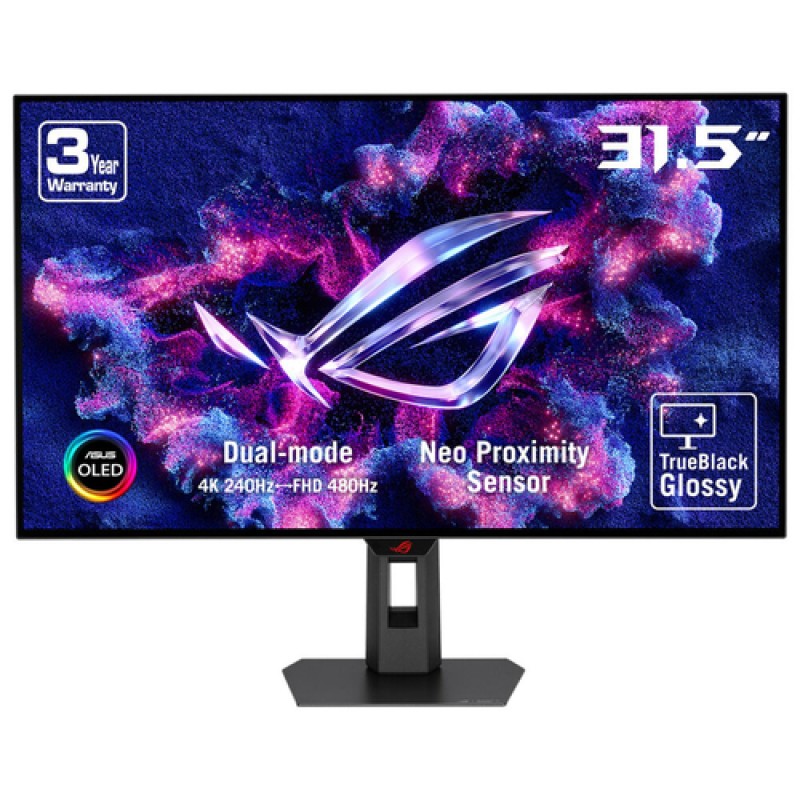
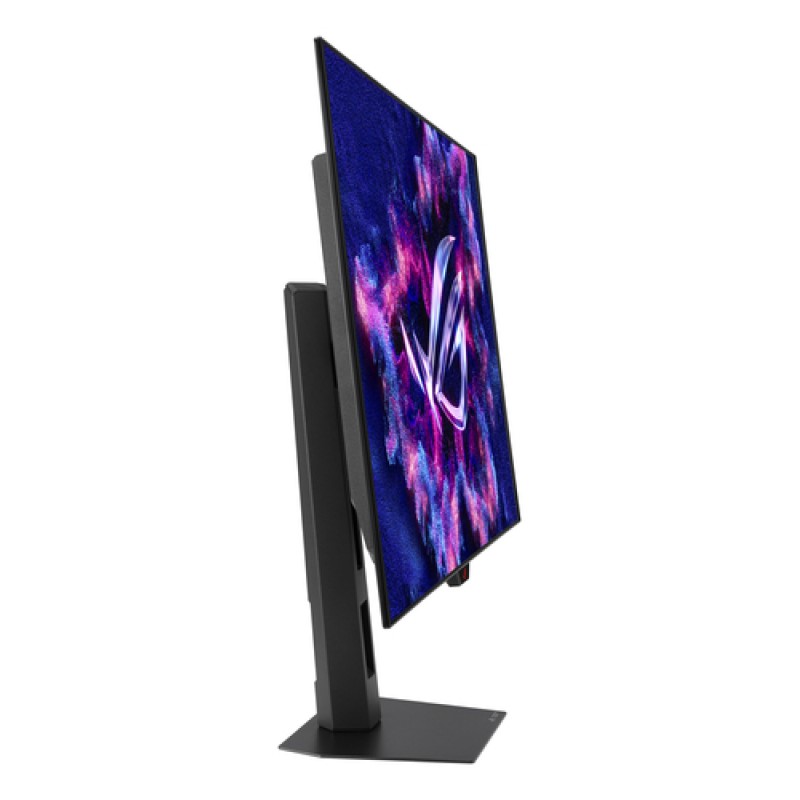
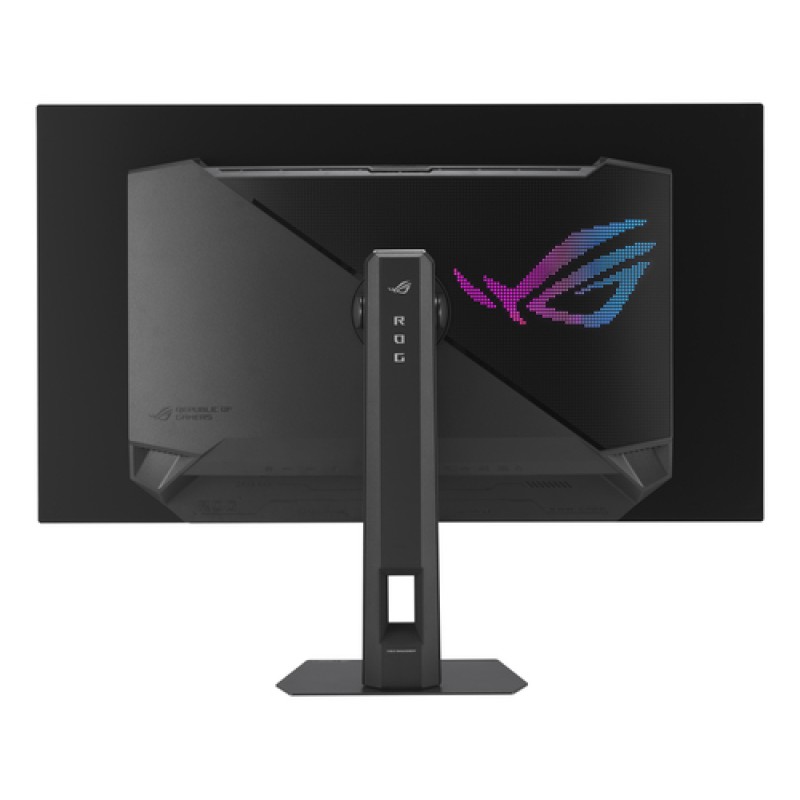
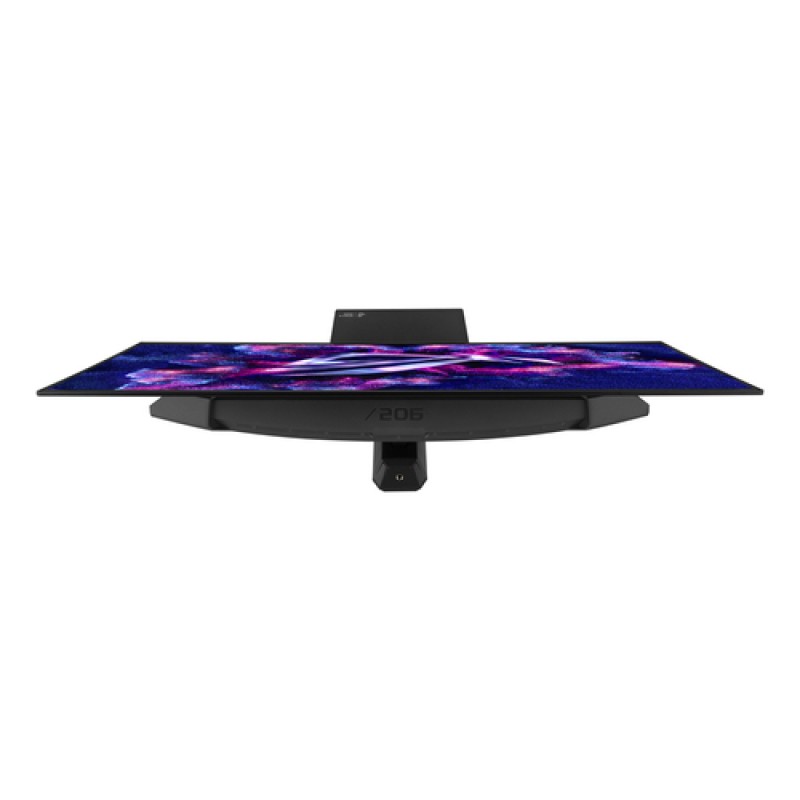
ASUS ROG Strix XG32UCWMG computer monitor 80 cm (31.5\") 3840 x 2160 pixels 4K Ultra HD OLED Black
Product Code: 4711636007191
SKU: 90LM0BW0-B01371
EAN: 4711636007191
Customise this PC
Choose the components in the configurator below.
Availability
🚚 External Stock
External Warehouse
Ships in 3–8 business days
Up to 22 available
Availability and dispatch times are shown per item.
1 140.35€
- Price includes VAT
Main specifications
Aspect ratio:
16:9
Color:
Black
Connectivity:
DisplayPort / HDMI / USB-C / 3.5mm
Curved:
Flat
Panel type:
OLED
All specifications
Description
One For All
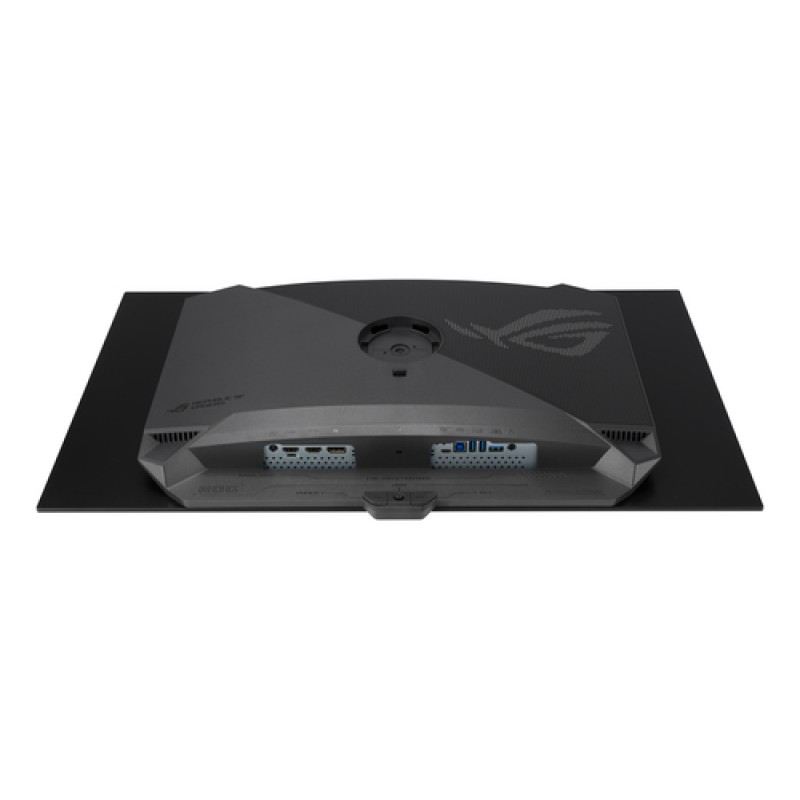
The ROG Strix OLED XG32UCWMG is a 32-inch 4K TrueBlack Glossy WOLED gaming monitor that offers supersharp visuals and boasts a versatile dual-mode feature that enables seamless switching between 4K@240Hz and FHD@480Hz gaming. Featuring the new Neo Proximity Sensor within the ASUS OLED Care Pro suite, the monitor is able to detect when the user is away and automatically transition to a black screen to guard against panel burn-in. Thanks to a compact stand, the XG32UCWMG takes up minimal desktop space. Plus, it offers users an extensive array of connectivity options, including DisplayPort™ 1.4 (DSC), HDMI® 2.1, and USB-C® with 15-watt Power Delivery.
Supersharp and clear imagery
Exclusive TrueBlack Glossy OLED
The ROG Strix OLED XG32UCWMG features a new TrueBlack Glossy OLED panel with a zero-haze optical layer that presents deep blacks under any lighting. Its advanced anti-reflective coating reduces ambient reflections by 38% compared to previous-gen glossy WOLEDs, ensuring distraction-free gaming even in brightly lit rooms.
Groundbreaking Dual-Mode Feature
The ROG Strix OLED XG32UCWMG offers unparalleled flexibility with its dual-mode feature, enabling users to prioritize refresh rate for fast-paced action or extreme resolution for immersive visuals. A simple press of the hotkey instantly switches between stunning 4K@240Hz imagery for AAA titles and blazing-fast FHD@480Hz for FPS gaming.
THIRD-GENERATION WOLED TECHNOLOGY
Screen Protection
ASUS OLED CARE PRO
New ASUS OLED Care Pro technology provides a full set of customizable monitor settings to protect and ensure the longevity of the OLED panel. Plus, it includes the new Neo Proximity Sensor designed to guard against panel burn-in. All settings can be easily managed via DisplayWidget Center.
Neo Proximity Sensor
The built-in Neo Proximity Sensor precisely detects the user’s distance from the monitor. When the user steps away, the monitor transitions to a black image to protect against panel burn-in; when the user returns, content is instantly restored onscreen. Detection distance can be customized to suit personal preference, ensuring maximum convenience and protection.
* Before activating the detection function, please ensure that the monitor sensor is properly angled and cleaned by using the bundled microfiber cloth.
Pixel cleaning
Recalibrates the screen when the monitor has been active for several hours―a process that takes just a few minutes and activates automatically when the monitor is turned off*
*Do not unplug the power cord during this time as it will interrupt the pixel-cleaning process.
SCREEN MOVE
Pixel locations are slightly shifted periodically to help prevent burn-in, and users can choose between several movement levels.
Built to Last
Worry-free OLED Monitor
ROG OLED monitors are engineered to deliver stunning visuals for years to come. An innovative custom heatsink and a unique internal airflow design improve cooling and reduce the risk of burn-in. Additionally, each ROG monitor comes with a three-year warranty.
ROG OLED Anti-Flicker
ROG-exclusive OLED Anti-Flicker technology offers three refresh rate ranges ― High, Mid, Off ― to reduce flicker during frame rate fluctuations and maintain an immersive gaming experience.
*Videos may be simulated and dramatized for illustrative purposes.
Compact and Ergonomic Design
The new ROG Strix OLED series monitors feature a new compact stand that’s 45% smaller than those found on previous-generation XG monitors, freeing up valuable desk space for a keyboard and mouse. The stand offers tilt, swivel, and height adjustments for the ideal viewing position. The display is also VESA wall-mount-compatible.
Aspect Ratio Control
For competitive gamers who are more familiar with smaller 1080p monitors, the XG32UCWMG can be set to replicate a 24.5-inch (esports mode) or 27-inch display, as well as other visual modes.
DisplayWidget Center
DisplayWidget Center is a powerful monitor management software designed to help users optimize, personalize, and fully utilize their display via a mouse — so there’s no need to access the OSD menu. Additionally, DisplayWidget Center offers firmware update notifications and includes a direct update option. Users can also import or export display configurations for sharing.
Play Smarter with AI Assistant
The AI Assistant in XG32UCWMG includes AI Visual, Dynamic Crosshair, and Dynamic Shadow Boost. These features leverage AI technology to help gamers practice more effectively to improve their skills.
Auto KVM
Level up streaming setups with the Auto KVM feature and seamlessly control two gaming devices with a single keyboard and mouse, providing a more effortless and integrated multi-devices experience for users.
Uniform brightness
When activated, the ROG-exclusive Uniform Brightness* setting within the OSD menu decreases peak brightness to keep levels consistent for better viewing—even when changing the size of bright white windows. It also makes marathon gaming sessions much more comfortable on the eyes.
EXTENSIVE CONNECTIVITY
Extensive connectivity options such as DisplayPort™ 1.4 with Display Stream Compression (DSC), HDMI® 2.1, and USB-C with 15-watt Power Delivery for a wide array of multimedia devices.
Specifications
Attributes
Color
Black
Display
Aspect ratio
16:9
Panel type
OLED
Response time
0.03ms
Screen Size
31"
Monitors
Curved
Flat
Refresh Rate
240Hz
Resolution
3840 x 2160
Ultrawide
No
SketoNeto
Connectivity
DisplayPort / HDMI / USB-C / 3.5mm
There are no reviews for this product, be the first to leave your review.
No questions about this product, be the first and ask your question.